Airframe Restrictions
This guide explains how to use the Airframe Restrictions feature in FlyLAT.
Introduction
Airframe restrictions provide control over how each of your routes are flown and with what type of aircraft. In doing this, we provided two different forms of restrictions so you've got full management options. It's worth noting that only one or the other is required.
These two types are:
- Approved Airframes
- Restricted Airframes
Approved Airframes
An approved airframe is a way of dictating that this route is exclusively flown by the airframes listed.
Restricted Airframes
A restricted airframe is a way of excluding specific airframes but leaving the rest untouched.
Navigation
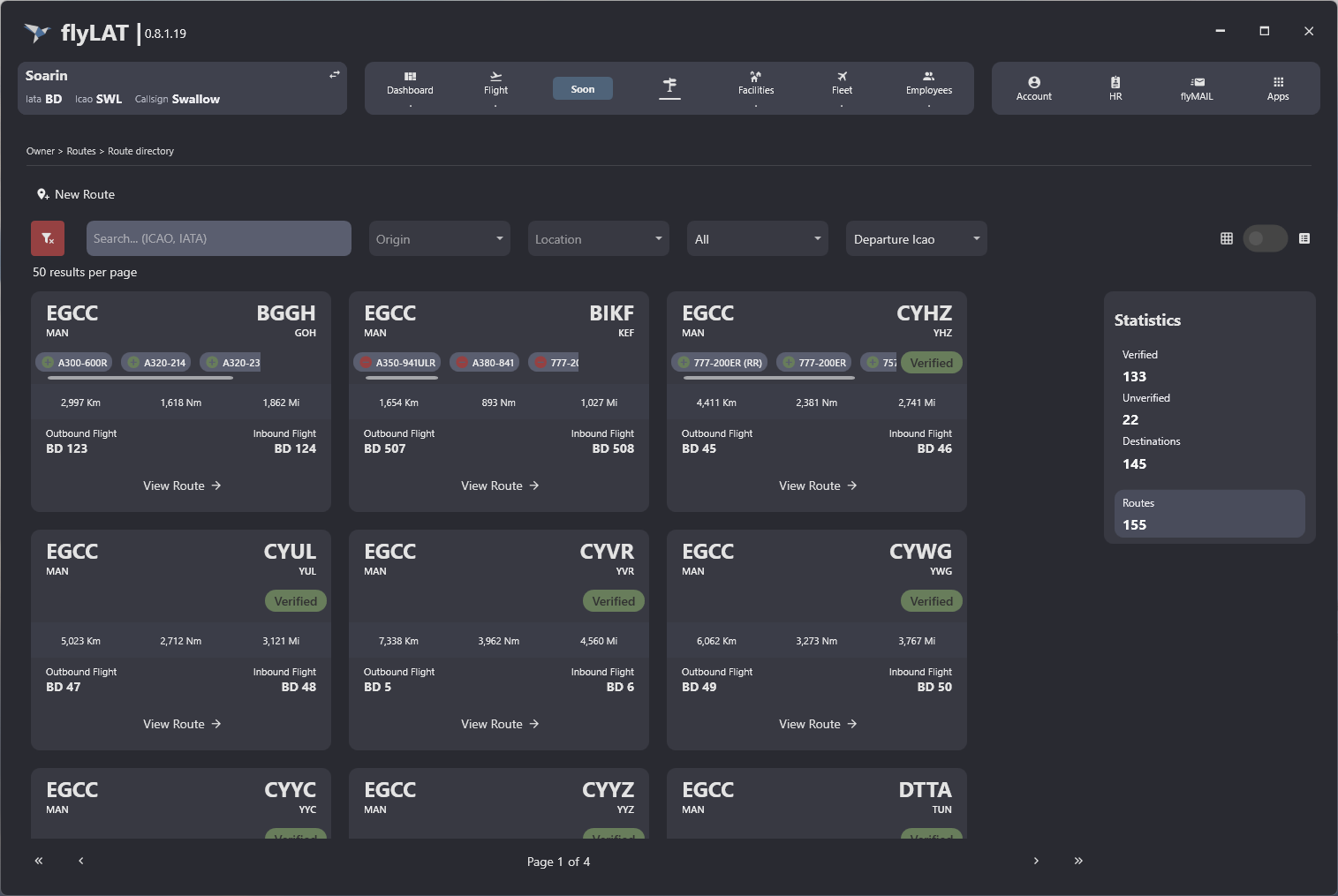
- Via the menu bar, head to "Routes" - commonly known as your Route Management
- Select your desired Route
- If you're a company owner, you will see "Airframe Restrictions" in the menu, to the left hand side
- If you're an employee, and don't see this option, you do not have permission to access this.
- Once you've clicked into the restrictions, you will be greeted by the restrictions page
How to use
- Click "Add Airframe"
- Find the airframe you wish to select
- Click "Add"
Employee Permissions
As a company owner, you have access to everything. Sometime you may wish to grant this permission to others. To do so, head to Employees > Select your employee > Permissions > Route Section > permission 10029 "Can Manage Airframe Restrictions"
Image 1 - Route Restrictions
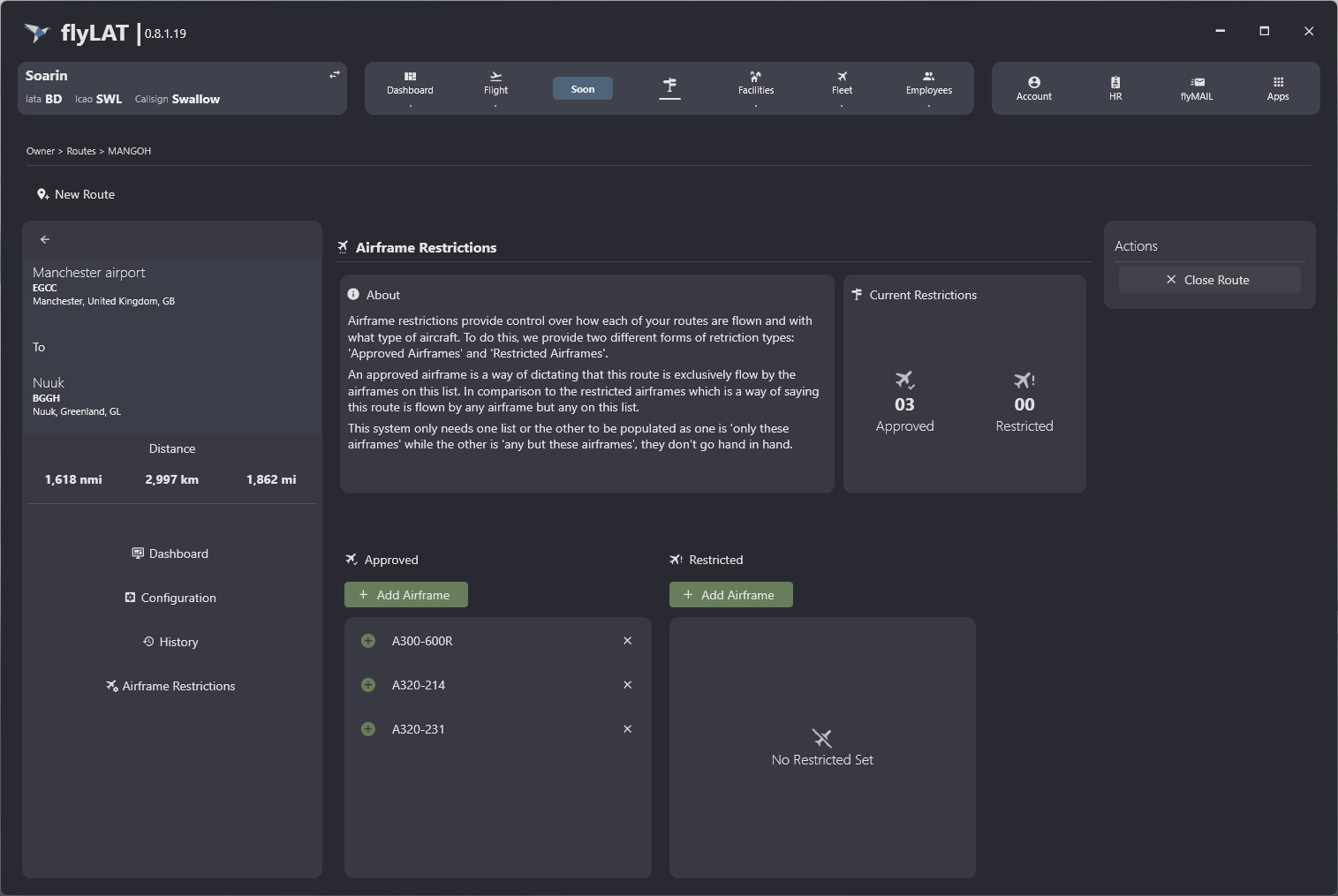
Image 2 - Route Management with Restrictions