Register MX
This guide explains how to use the Register MX feature in FlyLAT.
As we are transitioning to the new MX and fleet purchasing data, MX data might be missing from your aircraft.
Simple fix
1. Head over to your Fleet Page in the desktop app
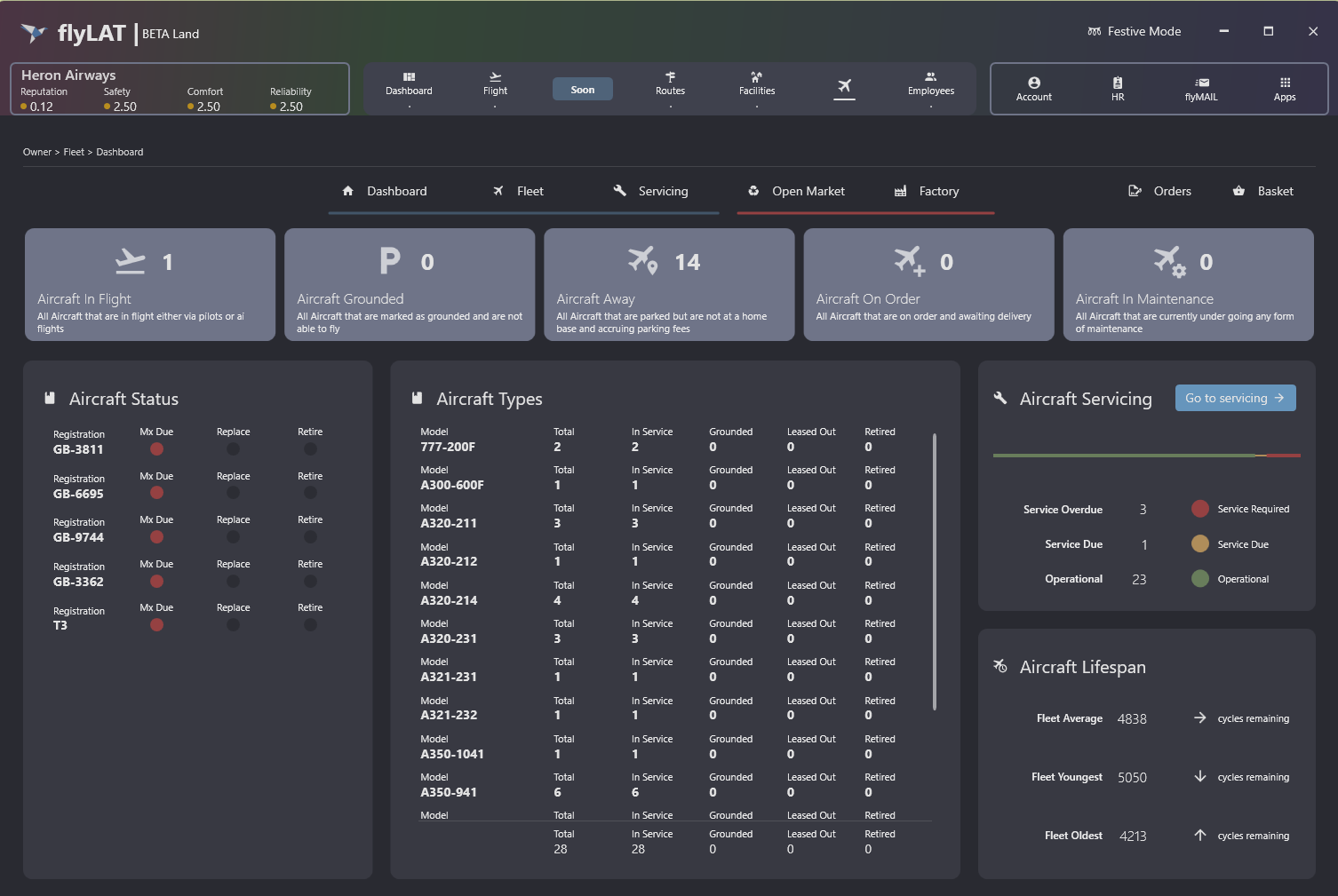
2. Click on Servicing and then you will see similar screen to the screenshot bellow
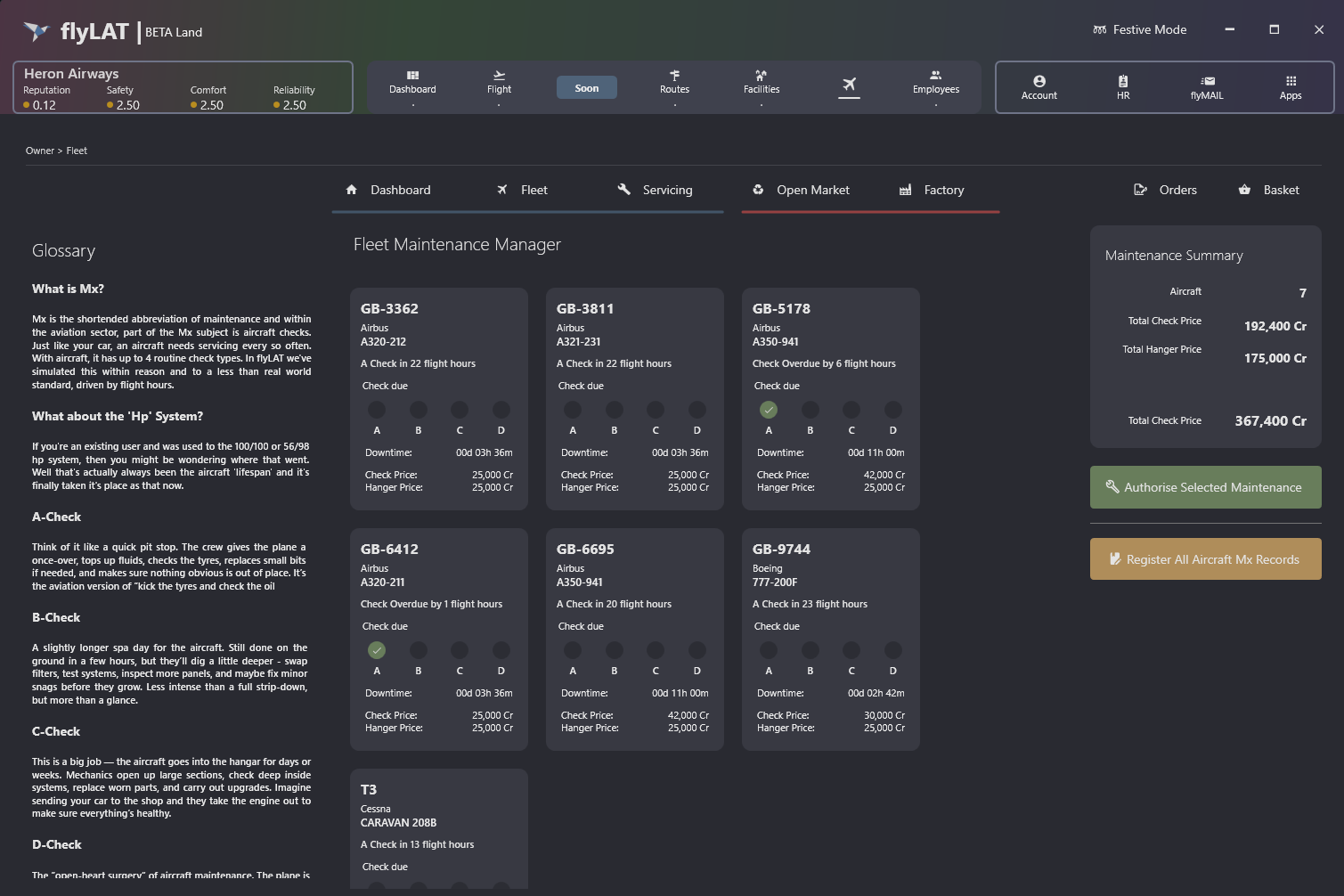
If some aircrafts need to be registered, you will see a button "Register All Aircraft MX Record" located to the right side of this page. It will be Orange, you cannot miss it.
Once this has been clicked, it should register all aircrafts.