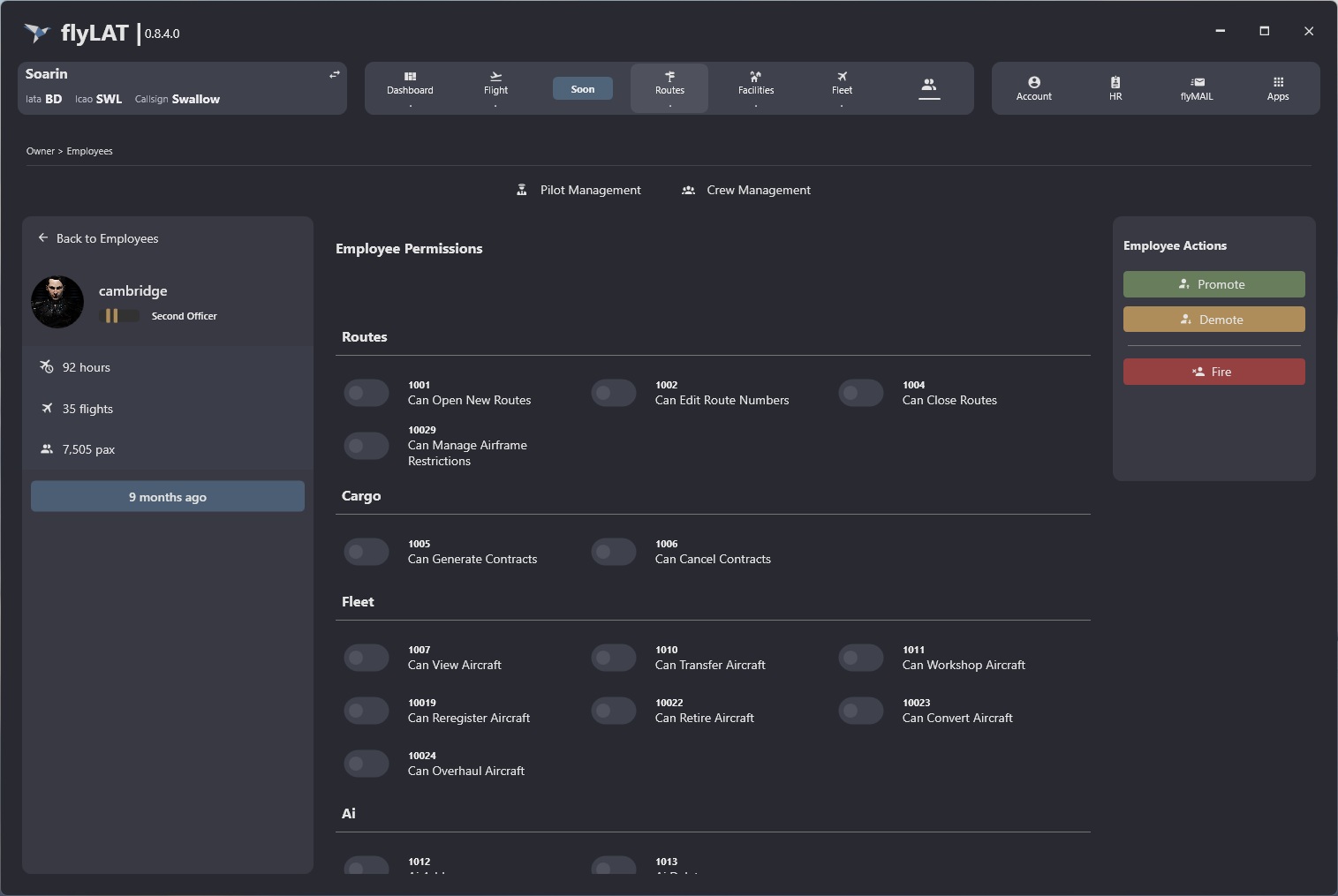
Employee Permission Management
This guide explains how to use the Employee Permission Management feature in FlyLAT.
Introduction
This section will look at how to assign employee permissions, allowing company owners to delegate workloads to others within your airline.
Steps
- Once you've logged in, click "Employees" in your main menu
- Select the employee you wish to give permissions too
- The Employee will load and you will be greeted with their details to the left, permissions in the centre and actions to the right.
- Select the relevant permissions you wish to grant your employee
- As you select each permission, this will save the permission individually, meaning if you employee refreshes, they will have the relevant access
Reference